How to Get a Virtual Dollar Card in Nigeria
Why does your Naira card get declined on foreign sites even when you have money? It's not your bank acting up, the website glitching, wrong bank details or even your network. It's the currency.
Naira cards and international platforms don't speak the same language. Your card is offering naira, the platform is asking for dollars, and that mismatch is where the transaction dies every single time. A virtual dollar card is the translator. It speaks the language these platforms understand, and it processes your payment without drama. The good news is Squareme can get you one in under five minutes. Read on to find out how.
Naira cards vs. dollar cards – what's the difference?
- Naira cards can run international transactions, but most foreign platforms won't let them through at checkout. And on the rare occasion they do work, you're still paying in naira, meaning the card network handles the conversion for you, usually at a rate that isn't doing you any favours. On top of that, spending limits are low, inconsistent across banks, and can change at any time.
- Dollar cards, on the other hand, are denominated in USD. When you fund them and make a purchase on a foreign site, the transaction goes through cleanly because the platform is receiving dollars, not naira.
Even cards labelled "Visa" or "Mastercard" by Nigerian banks can fail on international platforms if they're naira-backed. That's the piece most people don't know. The card network logo doesn't guarantee cross-border functionality.
So what's the solution? It’s simple.
A virtual dollar card.
What A Virtual Card Actually Is
A virtual card is a digital-only card that exists on your phone. There's no plastic card to wait for, no courier to track, no branch to visit. You get a card number, expiry date, and CVV, just like a physical card, but it lives entirely within the mobile payment platform on your phone, so you don’t have to worry about ever misplacing it.
How does a virtual dollar card work?
When you create a virtual dollar card:
- You fund it with naira through your app (the conversion to dollars happens automatically).
- The card gets a real Visa or Mastercard number that works on any international platform.
- You enter those details at checkout, and the payment goes through.
It's the same process as paying with a regular card, except this one actually works on foreign sites.
Virtual cards are also safer for online payments. Because you control exactly how much sits on the card, your exposure is limited even if a platform gets compromised. You can load just enough for a single purchase, rather than leaving a large balance exposed. You can rest assured that no surprise subscription will be quietly eating your last card at 2 am.
How to Get a Virtual Dollar Card on Squareme (Step-by-Step)
Here's how to create a working virtual dollar card in under 5 minutes using Squareme.
Step 1: Download the Squareme app
Search for Squareme on the Google Play Store or Apple App Store and install the app. It's free to download.
Step 2: Sign up and verify your account
Open the app and create your account with your phone number and email. You'll go through a quick KYC (Know Your Customer) verification. This typically involves uploading a valid ID or Bank Verification Number (BVN).
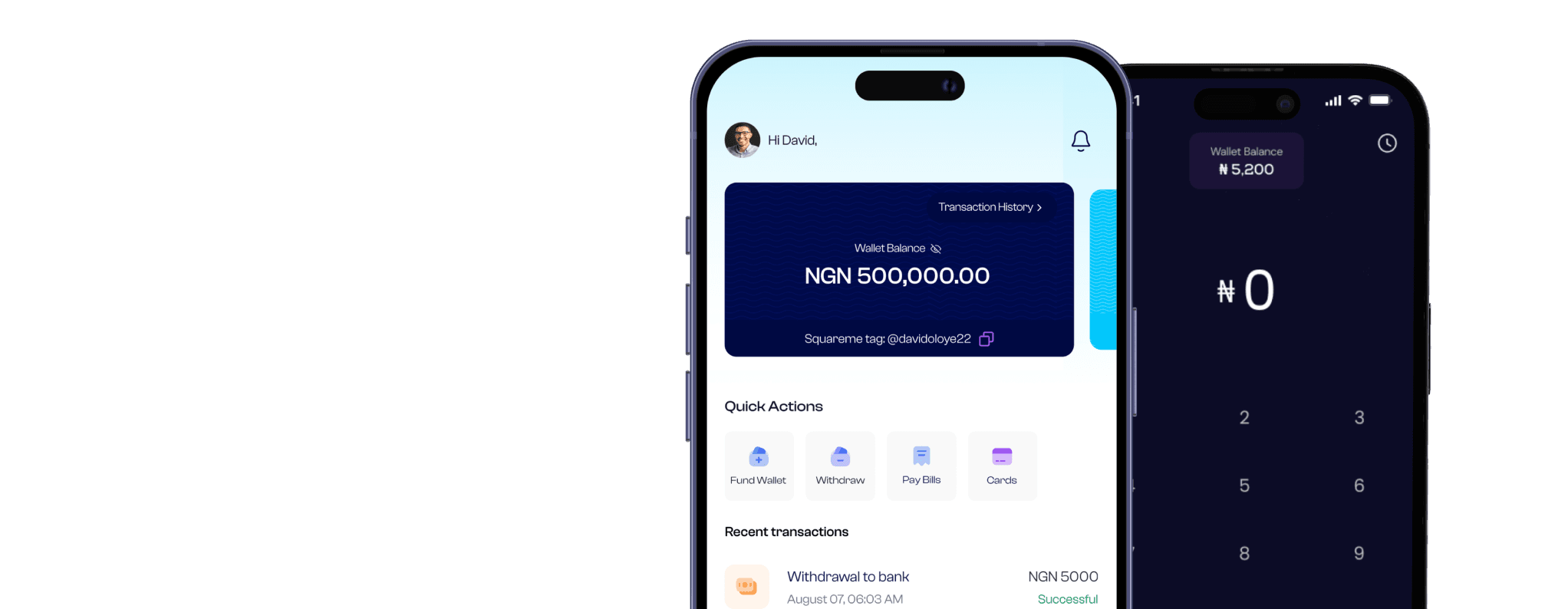
Step 3: Navigate to the 'Cards' section.
Once you're in your dashboard, tap on the Cards tab at the bottom of the screen. This is where all your virtual card options live.
Step 4: Create your virtual dollar card
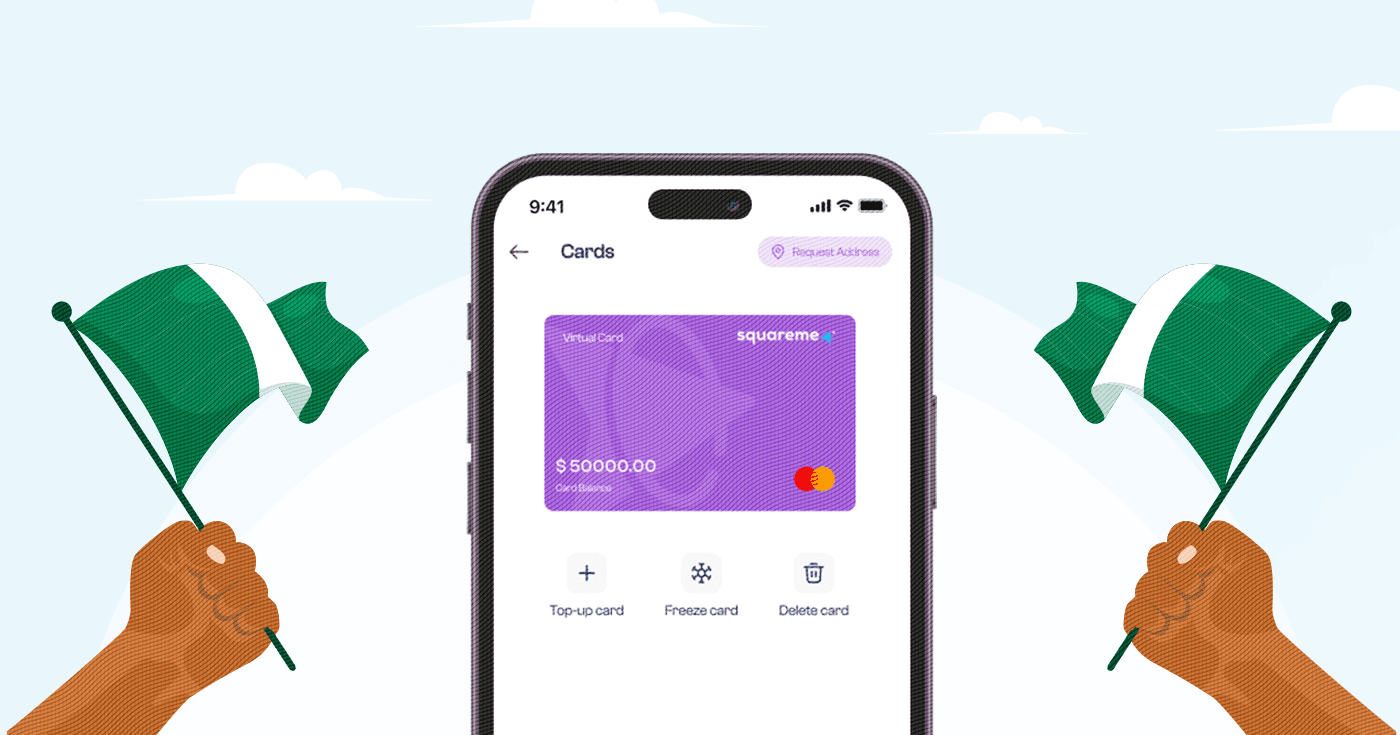
Tap Create Card and select the dollar virtual card option. You must have at least $5 in your wallet to initiate card generation. A $2 charge is applied as the fee, while the $3 balance is deposited to your newly created card. The app will generate your card details instantly — your card number, expiry date, and CVV. Ready for immediate use.
Step 5: Fund your card
Before you use the card, you may want to add more funds to it. An odogwu like you is prone to having more than one recurring bill or subscription every month. Tap Fund Card on your dashboard, enter the amount you want to load from your wallet (in naira), and confirm. The app converts your naira to dollars at the prevailing rate (which is displayed at the point of card funding) and credits your card.
Step 6: Use your card anywhere online
Now go back to whatever platform declined you before. Enter your Squareme virtual card details at checkout — the card number, expiry, and CVV — and complete your payment.
That's it. Your card works. No more declined transactions.
What Can You Use a Virtual Dollar Card For?
Once you have your card, the range of platforms you can access opens up significantly. Common use cases for Nigerians include:
- Subscriptions — Netflix, Spotify, Apple Music, YouTube Premium
- Design and productivity tools — Canva Pro, Notion, Adobe, Figma
- Freelance and business tools — Zoom, Slack, Mailchimp, Hootsuite
- Shopping — Amazon, AliExpress, Shopify stores
- Course platforms — Udemy, Coursera, Skillshare
If a platform accepts Visa or Mastercard, your Squareme virtual card will work on it.
Frequently Asked Questions
- Is a virtual card the same as a physical card?
Not exactly. A debit card is a physical card linked to your bank account. A virtual card is digital-only — it has a card number, expiry date, and CVV like a regular card, but exists only in an app. The key difference for most Nigerians is that virtual dollar cards are specifically designed for international payments, while most physical Nigerian debit cards are naira-based and get declined on foreign platforms.
- Can I use a virtual card on any website?
You can use your virtual dollar card on any website that accepts Visa or Mastercard payments. A small number of merchants block virtual card numbers (some US government sites, for example), but for everyday tools like Netflix, Canva, Amazon, and Spotify, virtual cards work seamlessly.
- How do I fund my virtual card?
On Squareme, you fund your virtual card directly from your wallet on the app. Go to your card dashboard, tap Fund Card, enter the amount in naira, and confirm. The app handles the naira-to-dollar conversion at the live exchange rate and credits your card balance immediately.
- Is there a fee to create a virtual card?
Creating a virtual card on Squareme is free.
- What happens if I don't use all the money on my virtual card?
The balance stays on your card until you use it. There's no expiry pressure on your balance – it's your money, and it stays put until you decide what to do with it.
Getting a virtual dollar card used to feel complicated. Not anymore. In the time it takes to read this article, you could already have a working card sitting in your Squareme app, ready for Netflix, Canva, or whatever you've been putting off because your regular card wouldn't cooperate.
Download Squareme and get your free virtual dollar card today.